Your AI Assistant Can Now Use Depikt
Depikt is available through MCP. ChatGPT, Claude, and other compatible assistants can search the prompt library, open full prompts, browse templates, and read our guides without leaving the conversation.
By Depikt Team
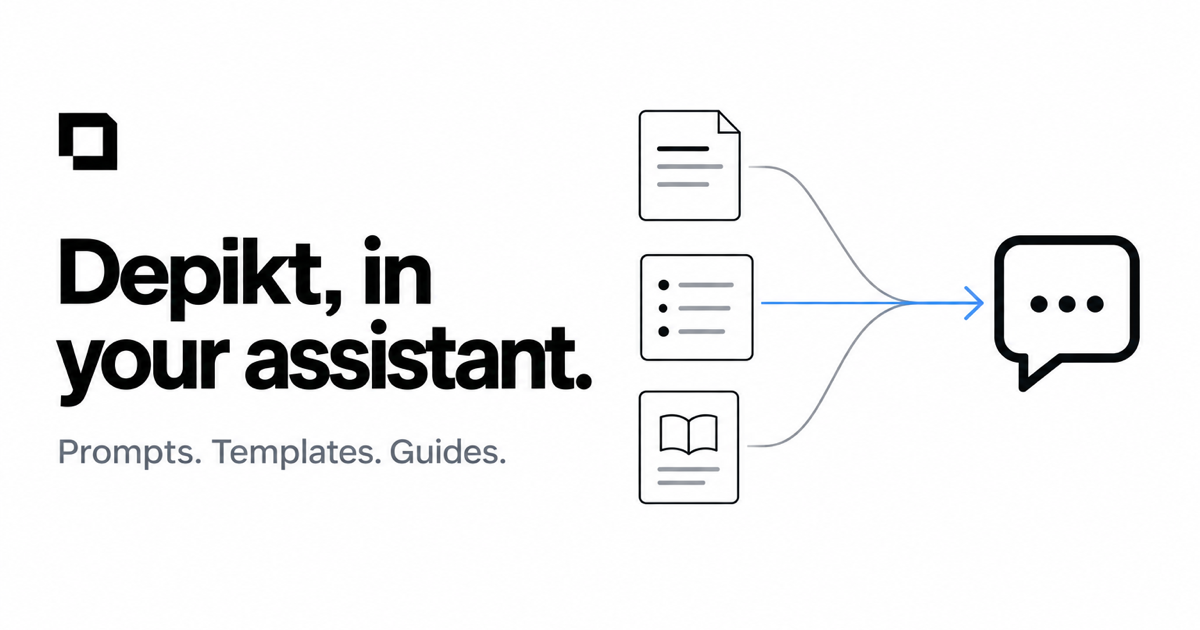
Up to now, Depikt was something you opened in a browser: search the Library, find a prompt, read a guide, copy what you need, and take it into your creative workflow.
Now assistants can come to Depikt instead.
Depikt is available through MCP, which means compatible assistants such as ChatGPT and Claude can directly search our public prompt library, open a prompt in full, browse templates, and read our guides while you are already having a conversation with them.
The point is not to make you learn another technical workflow. It is the opposite. If you are already asking an assistant to help you create a poster, improve an image prompt, or find a reference style, it can now use Depikt as one of its sources instead of making you jump between tabs.
What an assistant can do
Through the integration, an assistant can:
- search published prompt-library entries
- open an individual prompt in full
- list available prompt templates
- read Depikt guides
That makes conversations like these possible:
"Find me three Depikt prompts for a vintage travel poster."
"Open the best product-photography prompt and adapt it for a skincare bottle."
"What does Depikt recommend for precise reference-image edits?"
"Show me the available prompt templates for infographics."
The assistant can look those things up directly instead of relying only on what it already knows.
Public and read-only
The integration is deliberately simple.
It exposes only information already publicly available on depikt.app: approved Library prompts, public templates, and published guides.
It does not expose private user data, accounts, history, drafts, or anything unpublished.
And assistants cannot change anything through the integration. There are no write, delete, or edit actions.
In other words, MCP gives assistants another way to read Depikt, not control it.
Why we built it
A prompt library becomes more useful when it can meet you where you are already working.
Sometimes browsing visually is the right experience, which is why the Depikt Library and Gallery still matter. Other times, you are already inside ChatGPT or Claude and you simply want the assistant to find the right example or pull a guide into the conversation.
MCP lets both workflows coexist.
The website remains the place to explore. The integration makes that knowledge usable by assistants.
What is available today
The current version supports six core actions, in three search-then-read pairs:
- searching the prompt Library
- retrieving a complete prompt
- listing templates
- retrieving a complete template
- searching published guides
- reading a guide in full
We are intentionally starting with public, read-only access.
That gives assistants useful context without introducing accounts, permissions, or write access that the feature does not need.
Try it
Add Depikt as a remote MCP server in your assistant. The endpoint and step-by-step instructions for Claude and ChatGPT are on the Depikt for AI assistants page.
Then ask it something like:
"Search Depikt for a prompt that would work for an editorial poster with exact text."
From there, the assistant can retrieve an actual prompt and help you adapt it to what you are making. If you want to refine it further, the Prompt workspace and Critique mode are still one click away.
Build a prompt that follows this guide.
Paste a rough idea. Get back a structured prompt.
More in Product
Depikt Can Now Generate Images
Prompt Build and Critique made it easier to write a good instruction. The step that was still missing was making the image. Generate closes that gap: create, edit, and regenerate images from a prompt and optional references, without leaving Depikt.
Images 2.5ChatGPT Images 2.5: What's New and What It Means for Prompting
OpenAI released ChatGPT Images 2.5 on September 8, 2026: better reference fidelity, edits that leave the rest of the image alone, more consistent multi-turn editing, more accurate layouts, and up to 50% lower latency. Here is the launch, sorted by what it means for the prompt you write.